SMS job alerts for job seekers: setup and safety guide
18 August 202610 min read

Contents11 sections
- 1Key Takeaways
- 2Table of Contents
- 3How SMS job alerts actually work
- 4Where to find legitimate SMS job alert sources
- 5How to set up SMS job alerts step by step
- 6How to spot SMS job scams and verify alerts
- 7SMS vs. WhatsApp vs. email vs. push notifications
- 8Get daily job alerts without the sign-up hassle
- 9Sources
- 10FAQ
- 11Recommended
SMS job alerts for job seekers: setup and safety guide
You get personalized SMS job alerts by opting into a trusted job portal, official registry, or verified employer and confirming the sender’s short code before you rely on it. Most platforms only need your mobile number; a handful of official South African programs also ask for a national ID number. Do this now: register with a source you recognize, reply to the confirmation text, and save the sender to your contacts.
- Register with one trusted source (not five random ones).
- Reply “YES” or whatever keyword the confirmation text requests.
- Save the sender number or short code as a contact so you spot fakes later.
Pro Tip: Before trusting any job SMS, search the organization’s official website for the exact short code or sender ID mentioned in the text. If it doesn’t match, don’t reply.
Key Takeaways
Reliable SMS job alerts depend on verifying the sender against an official source, confirming opt-in consent, and never sharing banking or ID details over text.
| Point | Details |
|---|---|
| Verify before you trust | Match the short code or sender ID against the organization’s own published website. |
| Confirm your opt-in | Reply to the confirmation text with the exact keyword requested to activate alerts properly. |
| Watch for payment requests | Legitimate job alerts never ask for banking details, an OTP, or upfront payment. |
| Know your unsubscribe option | Genuine services always include a clear STOP keyword or unsubscribe instruction. |
| Consider WhatsApp as an alternative | Findjobsza offers daily WhatsApp job alerts with no sign-up required for richer digests. |
Table of Contents
- How SMS job alerts actually work
- Where to find legitimate SMS job alert sources
- How to set up SMS job alerts step by step
- How to spot SMS job scams and verify alerts
- SMS vs. WhatsApp vs. email vs. push notifications
- Get daily job alerts without the sign-up hassle
- Sources
- FAQ
How SMS job alerts actually work
Signing up for job alerts by SMS starts with an opt-in: you give a platform your number, it sends a confirmation text, and you reply to activate the subscription. That reply is the legal and practical proof of consent, and it’s the reason legitimate services never skip it.
Messages arrive from either a short code (a five or six-digit number used for bulk messaging) or an alphanumeric sender ID (a business name showing instead of a number). Both are normal. What matters is whether that specific code or name is the one the organization publishes on its own site.
SMS has a hard 160-character limit per segment, so mobile job alerts usually carry a short headline and a link rather than a full job description. That’s a structural limit, not a red flag.
Who pays for replies varies. The City of Cape Town’s EPWP SMS notification system covers the cost of reply texts, so jobseekers responding to opportunity notices pay nothing.
- Expect one message per opening, not a constant stream.
- Frequency depends on the platform: some send daily, others only when a matching role opens.
- Replying to a genuine job alert should never cost you more than a standard SMS rate, and some official programs zero-rate it entirely.
Where to find legitimate SMS job alert sources
Three categories cover almost every legitimate source: official government or municipal registries, established career portals with a public track record, and registered employers or staffing agencies who message people who applied directly.
Verifying each takes under two minutes. Look up the organization’s official website and match the short code or sender ID against what’s published there. If you can’t find it listed, call the helpdesk number on that same official page and ask directly.
- Government/public programs: check the department’s official announcements page for the exact code.
- Career portals and platforms: confirm they list a sender ID or short code on their site or FAQ.
- Employers and staffing firms: alerts should only come after you’ve applied or registered with them directly.
Information requirements differ by source. Career portals typically ask only for a mobile number and job preferences. Government programs, including EPWP-style schemes, sometimes request a partial ID number as part of both registration and verification.
Pro Tip: If a text references a “Jobseeker Database” or similar official registry, cross-check that phrase against the government department’s own site wording before responding. Scammers copy generic phrasing; they rarely match it word for word.
How to set up SMS job alerts step by step
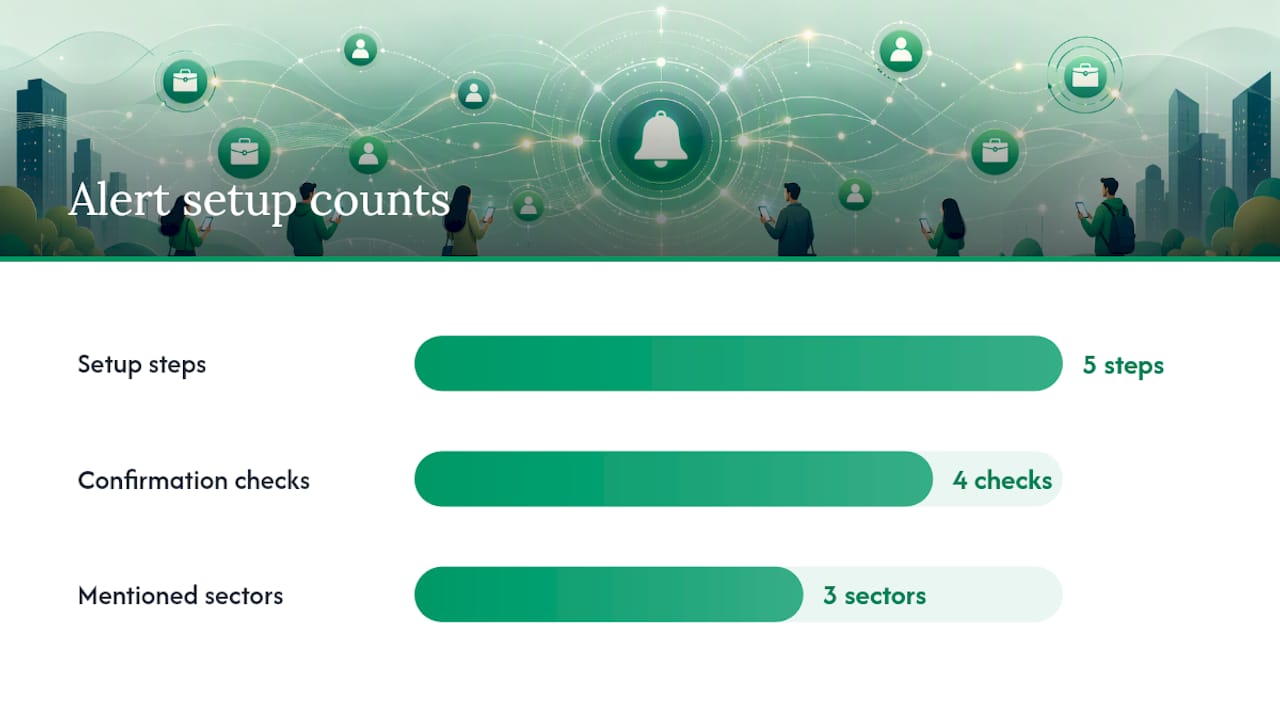
Setting up job notification texts that actually match your situation takes five steps, and skipping the confirmation step is the most common mistake job seekers make.
- Decide your search parameters first. Pick a city or region, job type (retail, admin, IT, nursing, whatever applies), and seniority level before you register anywhere. Vague preferences produce irrelevant alerts.
- Gather the required information. Almost every platform needs your mobile number. Some official schemes also request a national ID number for verification purposes, so have it ready if you’re applying through a government program.
- Create a lightweight profile where one is required. Career portals often ask for a name, location, and job category rather than a full CV.
- Choose your frequency and channel. Immediate alerts suit fast-moving sectors like retail or hospitality. A daily digest works better if you’d rather check openings once in the morning than get interrupted all day.
- Confirm the opt-in. Reply to the confirmation SMS with the exact keyword requested, then save the sender’s number or short code to your contacts immediately.
After signup, run through this checklist:
- Does the confirmation message include clear opt-in language, not just a link?
- Is there a stated unsubscribe keyword, usually “STOP”?
- Does the sender’s number or ID match what’s published on the organization’s official site?
- Are there any cost warnings, or does the message state replies are free?
Genuine confirmation texts read something like “Reply YES to confirm you’d like to receive job alerts from [Organization]. Reply STOP to unsubscribe.” If a message skips the opt-in phrasing entirely and jumps straight to a job offer or payment request, treat it as suspicious.
If you’re setting alerts for a specific field, decide the category up front by following how to write a CV for New Zealand to prepare effectively. Teaching jobs, IT roles, and admin positions all move at different speeds, so your frequency choice should match the sector.
How to spot SMS job scams and verify alerts
Red flags are consistent across fake job texts:
- Unsolicited messages asking for banking details or a one-time PIN (OTP).
- Any request for upfront payment to “secure” an interview or role.
- Sender numbers that look like personal cellphone numbers or unfamiliar international codes rather than a registered short code.
- Links that push you to a payment page instead of a job listing or application form.
Verification is simple even when you’re in a hurry. Check the short code against the organization’s own website, call the published helpdesk number, and never send ID documents, bank details, or passwords over SMS. The City of Cape Town’s EPWP program shows what a legitimate flow looks like: some messages include part of the applicant’s own ID number as a verification marker, replies cost the jobseeker nothing, and recipients are pointed to a dedicated helpdesk for confirmation.
Recruitment professionals consistently flag one pattern: legitimate recruiters rarely text people who haven’t applied or registered somewhere first. An unexpected job offer via text, especially one demanding urgency, is one of the clearest signs something’s off.

Pro Tip: Experienced job seekers treat SMS as a first alert only. When a text points to something requiring documents or payment, they move to a secure web portal or verified email before sharing anything sensitive.
SMS vs. WhatsApp vs. email vs. push notifications
Each channel trades off speed, cost, and content. SMS reaches virtually any phone instantly and works without data or a smartphone app; recruiting platforms report open rates approaching 98% within five minutes, which is why time-sensitive listings often go out by text first. WhatsApp alerts, offered by services like Findjobsza’s daily job digest, can include more detail, images, and links in a single message, but need a data connection. Email suits longer job descriptions and attachments but gets checked less urgently. Push notifications are fast and free but depend on having an app installed and notifications enabled.
- SMS: fastest, works on any phone, limited to short text.
- WhatsApp: richer content, needs data, good for daily digests.
- Email: best for detailed listings, slower to check.
- Push: free and quick, but app-dependent.
If your data is limited or your phone is basic, SMS or a zero-rated program stays your most reliable option.
Publisher perspective: why verified alerts matter more than volume
Speed means nothing if the message is fake. We prioritize sign-up flows that stay simple, ask for only what’s needed, and never request payment. Offering WhatsApp alerts alongside SMS gives job seekers a verified alternative when they’d rather scan a richer daily digest than a stream of short texts. The principle stays the same either way: fewer steps, clearer sender identity, zero unnecessary friction.
Get daily job alerts without the sign-up hassle
Findjobsza skips the registration maze entirely. There’s no CV upload, no account creation, no lengthy profile to fill in before you see a single listing. You browse jobs directly by city or category, and if you want alerts delivered to you, the daily WhatsApp digest sends fresh openings every morning with no cost to sign up.
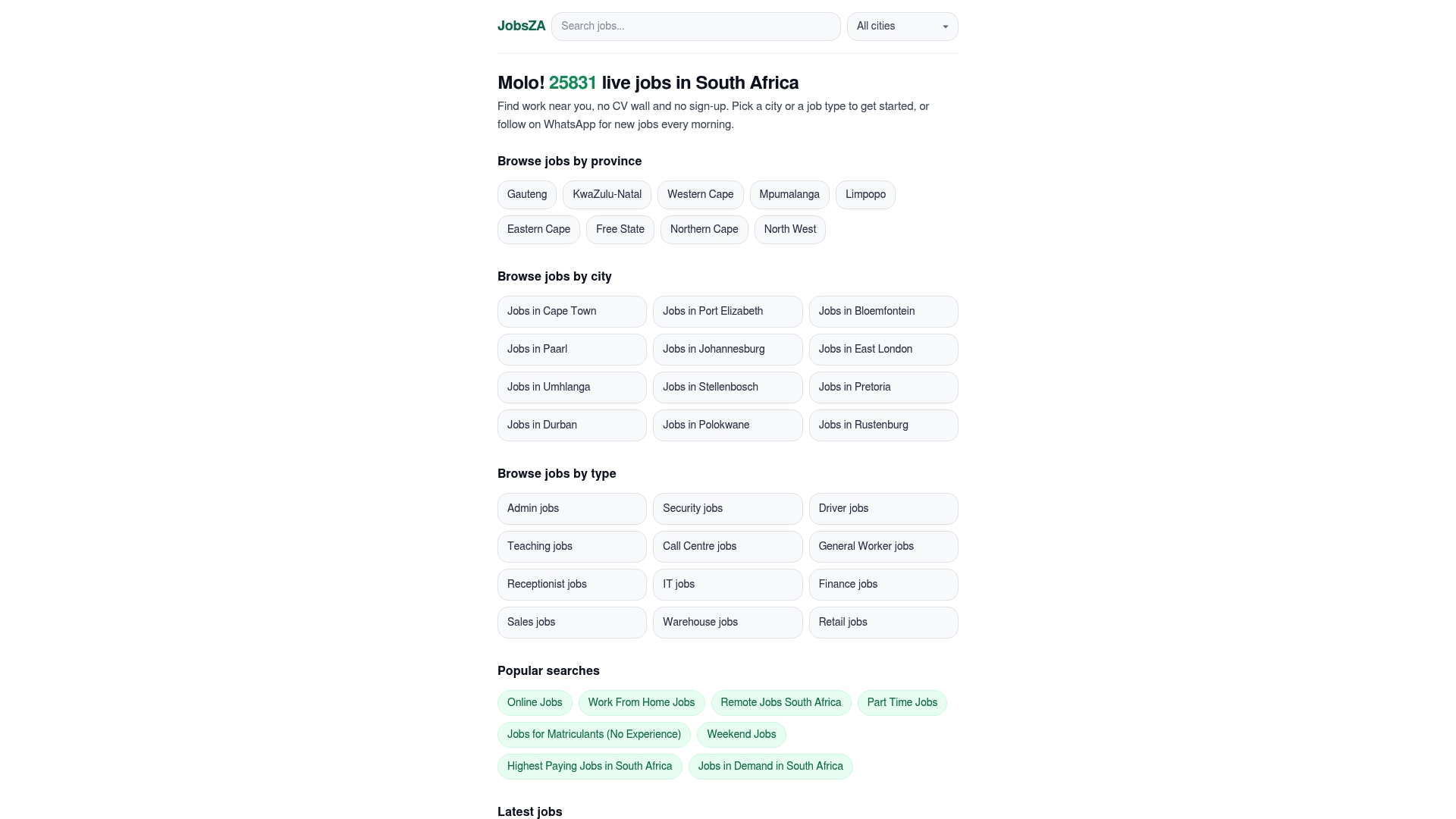
That structure matters for the scam concerns covered above. A platform that never asks for banking details, never charges for alerts, and never buries its identity behind a vague short code removes most of the risk before it starts. On Findjobsza, you can:
- Subscribe to the daily WhatsApp alert for new listings.
- Browse remote roles or online jobs without creating an account.
- Filter by in-demand categories to narrow alerts to sectors actually hiring.
If you want alerts that match your schedule rather than your inbox, start by browsing part-time listings or checking the site’s current openings by city today.
Sources
- City of Cape Town introduces SMS Notifications for EPWP Work Opportunities
- Text Wins: Why SMS Should Replace Email in Your Recruiting Stack | Cadient
FAQ
How do I get SMS job alerts?
Register with a trusted platform, government registry, or employer, provide your mobile number, and reply to the confirmation text to activate the subscription.
How do I set up job alerts to match my location and job type?
Decide your city, job category, and seniority level before signing up, then choose immediate alerts or a daily digest depending on how urgently you want to know about new listings.
Are job alerts sent by SMS legitimate?
Most are, when they come from a verified sender ID or short code matching the organization’s official site. Unsolicited texts requesting payment or banking details are a strong sign of a scam.
How do I stop SMS job alerts?
Reply with the unsubscribe keyword listed in the original confirmation message, usually “STOP.” Legitimate services always include this option.
What information do platforms usually ask for?
Most require only a mobile number and basic job preferences. Some official South African programs, like municipal EPWP schemes, also request a national ID number for verification.
Recommended
Start with your city.
19 881 live jobs, filtered by city and suburb. No sign-up wall, no CV upload just to look.